How to Print JAMB Result Slip 2026 | Step-by-Step
The JAMB Result Slip is an important document that contains a candidate’s UTME result and other examination details. Candidates may be required to provide the result slip during the admission or screening process, so it is important to know how to access and print it when needed.
If you took the 2026 JAMB examination and want to print your result slip, you can do so online through the JAMB portal. This article explains the cost of printing the JAMB Result Slip, the requirements you need, and the steps to follow to print it successfully.
How Much Does It Cost to Print JAMB Result Slip 2026?
The cost of printing the JAMB Result Slip is ₦2,000, excluding any additional charges that may apply if you use a cybercafé or business centre.
Candidates who want to print their result slip should make the required payment through the JAMB portal before proceeding with the printing.
Requirements for Printing JAMB Result Slip 2026
Before you print your JAMB Result Slip, make sure you have the following:-
- Your JAMB registration number
- The email address and password linked to your JAMB profile
- A phone, tablet or computer with internet access
- A means of making the required online payment
- Access to a printer, if you want to print the result slip immediately.
How to Print JAMB Result Slip 2026
Follow the steps below to print your JAMB Result Slip:-
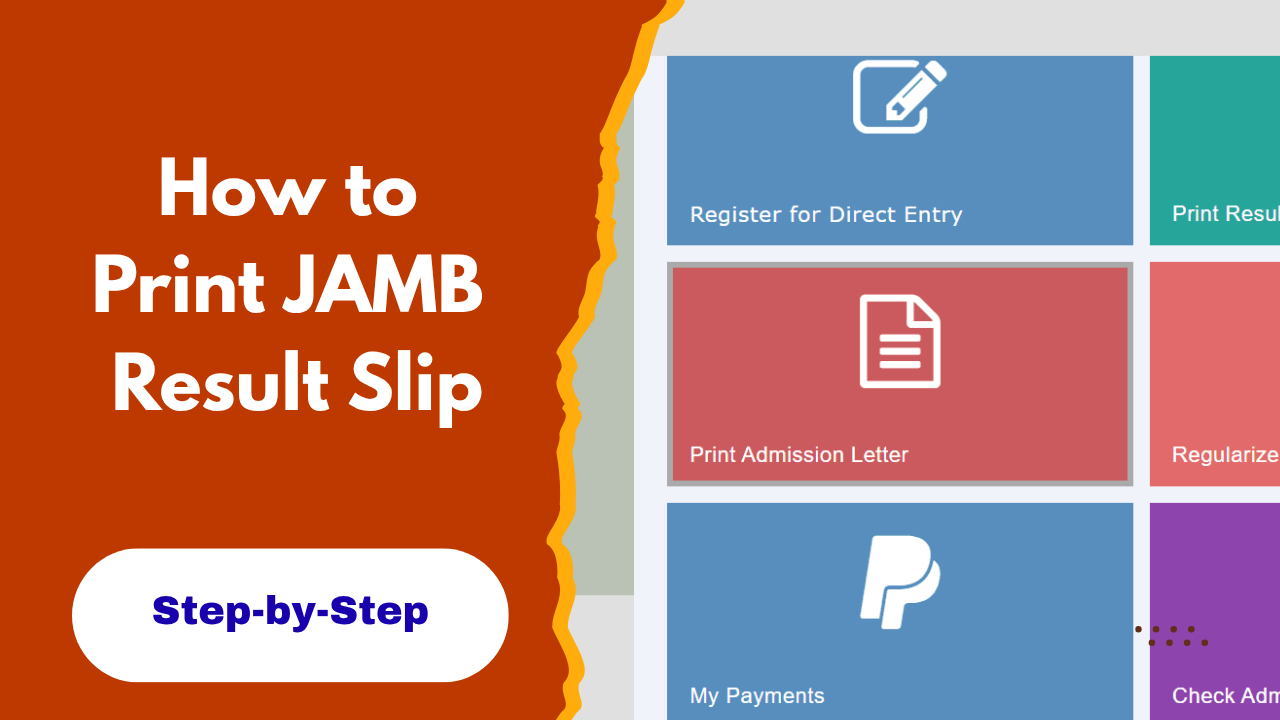
- Go to the JAMB e-Facility portal and log in to your profile using the email address and password linked to your JAMB account.
- After logging in, look through the services available on your dashboard and select “Print Result Slip.”
- You will be taken to the payment page to pay the required fee for the result slip. Follow the instructions on the portal to complete the payment.
- After making the payment, select 2026 as the examination year and provide any other details requested.
- Once your details have been confirmed, your JAMB Result Slip will be displayed. Check the information on it carefully to make sure your name, registration number, subjects and scores are correct.
- Click on the print option to print the result slip. You can also save it as a PDF on your phone or computer if you want to print it later.
Frequently Asked Questions About JAMB Result Slip 2026
Can I print my JAMB Result Slip with my phone?
Yes. You can access and download your JAMB Result Slip using your phone, provided you have internet access and can log in to your JAMB profile.
Do I need to go to a cybercafé to print my JAMB Result Slip?
No. You can print it yourself if you have access to a printer. If you do not have a printer, you can save the result slip as a PDF and take it to a business centre or cybercafé for printing.
Can I print my JAMB Result Slip more than once?
Yes. You can access your result slip again through your JAMB profile if you need another copy.
Is the JAMB Result Slip required for admission?
Some institutions may request the JAMB Result Slip during their admission or screening process. It is therefore advisable to print and keep a copy safely.
If you need your JAMB Result Slip, make sure you follow the steps above carefully and keep the printed copy safe. The slip may be required during the admission or screening process, so it is important to have it available when needed.
Share this article with other candidates who may need to print their JAMB Result Slip. You can also check our page for more JAMB updates, admission news, and useful information for prospective students.