JAMB CAPS Portal 2026: How to Check, Accept and Confirm Admission Status
The JAMB Central Admission Processing System (CAPS) is the platform used by the Joint Admissions and Matriculation Board (JAMB) to process and manage admissions into Nigerian tertiary institutions. It allows candidates to check their admission status and see whether they have been offered admission by their chosen institution.
Through the JAMB CAPS portal, candidates can also accept or reject an admission offer when one is made. This makes it important for candidates who are waiting for admission to regularly check their JAMB profile instead of relying only on updates from their school.
If you applied for admission for the 2026/2027 academic session and want to know how to access JAMB CAPS, check your admission status, accept an offer, and confirm your admission, this guide explains the process step by step.
How to Log in to JAMB CAPS Portal 2026
To access JAMB CAPS, candidates need to log in through the JAMB e-Facility portal using the details linked to their JAMB profile. Follow the steps below:-
- Visit the official JAMB e-Facility portal.
- Enter your registered email address and password.
- Click on Login to access your JAMB profile.
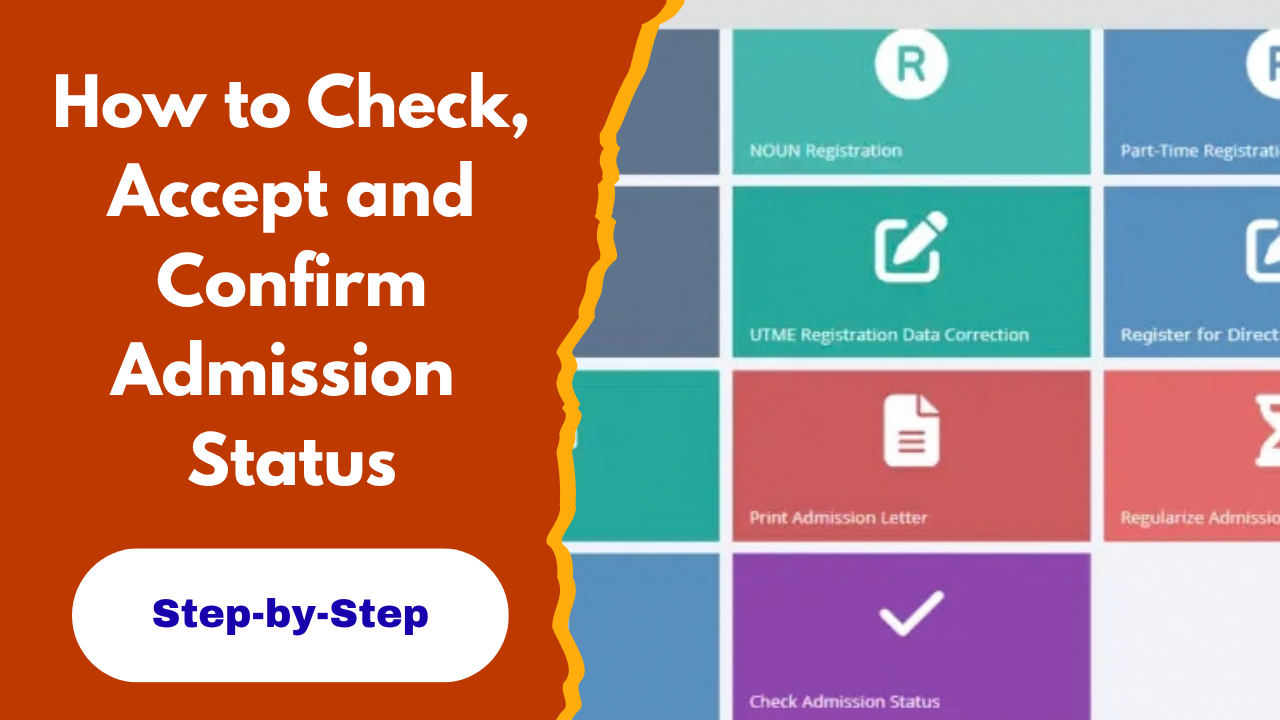
- From your dashboard, locate the Admission Status option.
- Click on Access my CAPS to open your CAPS dashboard.
Once you are on the CAPS page, you can check your admission status and see if your institution has offered you admission. Candidates should make sure they are logging into the official JAMB portal and should not give their JAMB login details to anyone claiming to check or process admission on their behalf.
How to Check JAMB CAPS Admission Status 2026
After logging into your JAMB profile, you can check whether you have been offered admission through the CAPS portal. Follow these steps:-
- Log in to the JAMB e-Facility portal with your registered email address and password.
- Click on Admission Status on your dashboard.
- Select Access my CAPS.
- Click on Admission Status within the CAPS menu.
- Select your examination year and enter your registration number where required.
- Click on Check Admission Status to view your current admission status.
If you have been offered admission, your CAPS page will display the admission information available on your profile. If you have not yet been admitted, the portal may continue to show that your admission status is still pending.
How to Accept Admission on JAMB CAPS 2026
If your JAMB CAPS portal shows that you have been offered admission, you need to respond to the offer by accepting it on the platform. Accepting the admission confirms that you are willing to take up the offer. To accept your admission on JAMB CAPS:
- Log in to your JAMB e-Facility account.
- Go to Admission Status and select Access my CAPS.
- Click on Admission Status to view the offer.
- Check the details of the admission offered to you.
- Click Accept if you want to take the admission.
- Follow any instructions displayed on the portal to complete the process.
After accepting the offer, candidates should check their JAMB profile again to confirm that the admission has been recorded. You can then proceed with the other admission procedures required by your institution.
How to Reject Admission on JAMB CAPS 2026
Candidates who do not want to accept the admission offered to them can reject it through the JAMB CAPS portal. However, make sure you understand the implications before choosing this option. To reject an admission offer:-
- Log in to your JAMB e-Facility account.
- Go to Admission Status and select Access my CAPS.
- Click on Admission Status to view the offer.
- Review the admission details shown on the page.
- Select Reject if you do not want to accept the admission.
- Follow the instructions on the screen to complete the process.
If you are still interested in the admission offered, do not reject it while waiting for another offer. Candidates should carefully consider their options before responding to an admission offer on CAPS.
JAMB CAPS Portal 2026 FAQs
What does “Not Admitted” mean on JAMB CAPS?
It means JAMB has not recorded an admission offer for you at the time you checked your profile. If your institution is still processing admissions, your status may change later.
What does “Admission in Progress” mean on JAMB CAPS?
It means your admission is still being processed. You should continue checking your CAPS profile for an update.
What if my school has offered me admission but CAPS still shows “Not Admitted”?
The admission may not have been updated on the JAMB platform yet. Continue checking your CAPS profile and follow any instructions provided by your institution.
Can I check JAMB CAPS admission status with my phone?
Yes. You can access your JAMB profile and check your CAPS admission status using a phone or computer with internet access.
How often should I check my JAMB CAPS?
If you are still waiting for admission, check your JAMB profile regularly throughout the admission exercise. This helps you notice any new admission update that may require your attention.
Can I print my JAMB Admission Letter after accepting admission?
Yes. After accepting your admission, you can use your JAMB profile to access and print your Admission Letter when it becomes available.
What happens if I do not accept my admission on CAPS?
An admission offer that requires your response should not be ignored. If you want to take the admission, accept it on CAPS and then proceed with the other admission requirements of your institution.
Can I change my mind after accepting admission on JAMB CAPS?
Candidates should be careful before accepting or rejecting an admission offer. If you have already accepted an offer and have an issue with your admission status, contact JAMB or your institution for guidance rather than making another decision based on assumptions.
If you found this guide helpful, share the post with other candidates who may need it. If you have any questions about checking, accepting, or confirming your admission on JAMB CAPS, feel free to ask in the comments below. You can also check our website for more JAMB updates, admission news, requirements, and useful guides for the 2026/2027 admission exercise.